Menu
open menu
close menu




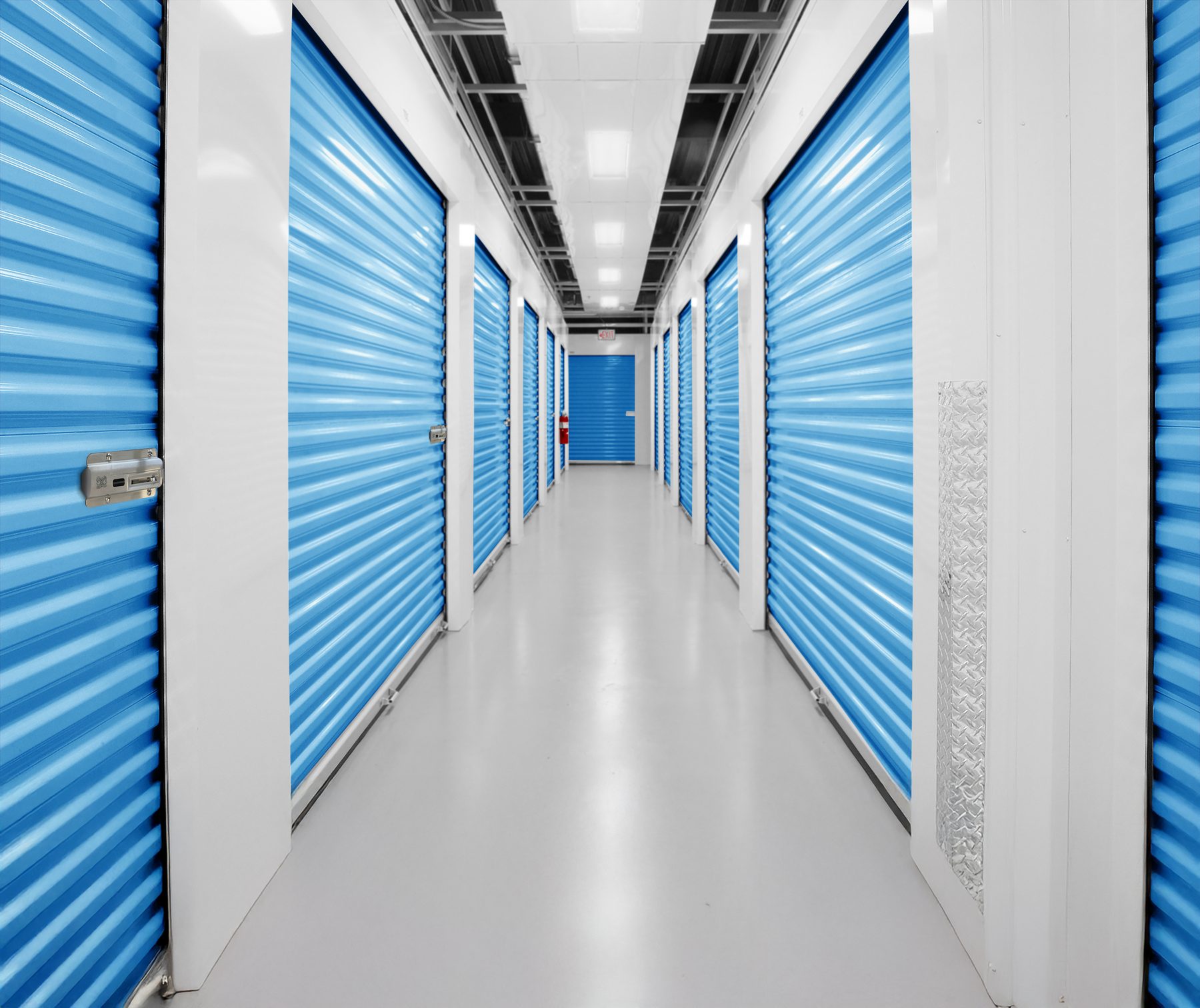
National Self Storage put Nokē smart locks on about 1,100 units across five El Paso facilities. By September, its smart 10x10s rented for an average of $140 while StorTrack put the market's standard 10x10 at $114.92. The units were the same size as the ones down the road. The $25 difference came from what tenants understood they were getting: a unit they could open from a phone, with a smart lock on the door.
Tenants only understand that if someone tells them, and this is where many smart lock installations leave money behind. The locks go on the doors, the app goes live, and the website still describes the property the way it did before. A tenant comparing two listings on a phone has no reason to pay more for the one that never mentions phone entry, digital key sharing or unit-level security.
Operators monetize Nokē in two common ways. Some add a monthly technology fee, and the ones we work with charge between $5.99 and $14.99. StoreEase applies a $5.99 fee across about 14,000 units. Others skip the fee and price smart units above the market. Adam Wagner, President of Superior Storage, rents 10 to 15% above market and says "people are willing to pay for that."
On a 500-unit facility, an average $5.99 monthly technology fee is worth about $35,000 a year. At a 7% cap rate, that adds about $500,000 in facility value. These figures show potential benefits by example only and should not be relied on as a guarantee.
Either model depends on the tenant understanding the difference at the moment they choose a unit, and most of them choose online. In our survey of self-storage tenants, 87% preferred opening their unit with a phone and a smart lock over a standard padlock. The demand is already there. The work is making sure your website, your listings and your signs say what you offer.
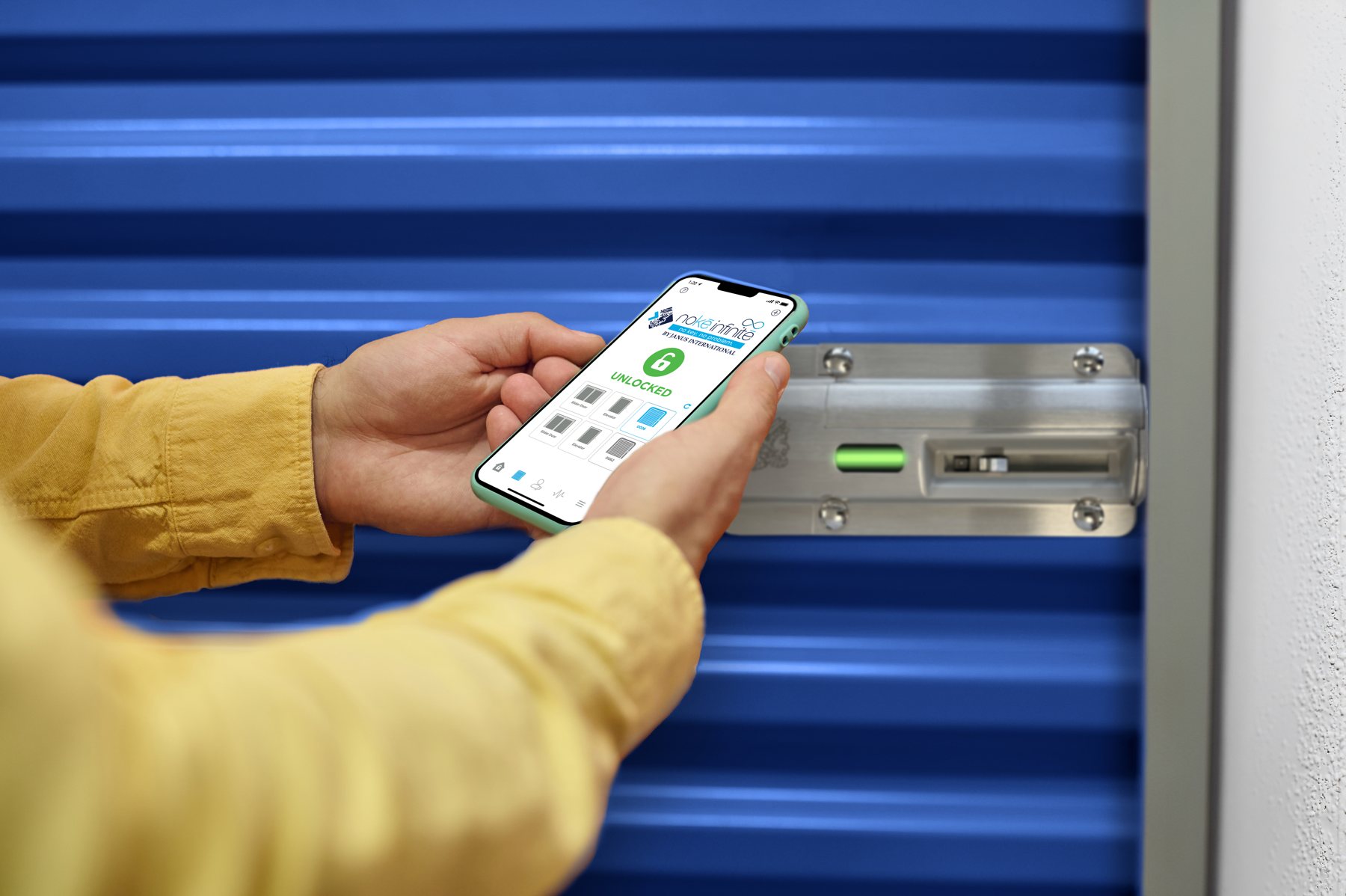
The unit listing is where the price is, so it is where the smart lock message has to be. If you charge a premium rate, name the unit type so the price has something to stand on: "Smart Unit" next to the size, the same way you label climate control or drive-up. If you charge a technology fee, describe what it covers in one line near the price.
National Self Storage lists "Smart Phone Unit Access" as the first feature under each unit size and shows "Nokē Smart Entry" and "Rent By Phone" as photo tiles beside the rates. A tenant scanning prices sees the feature before the number. Short feature tags that work in a unit listing:
If your website lets tenants filter units, add "Smart Unit" as a filter. If only part of the property has smart locks, the filter and the unit name do the sorting for you, and the price gap between a smart unit and a standard one becomes a choice the tenant makes instead of a surprise.
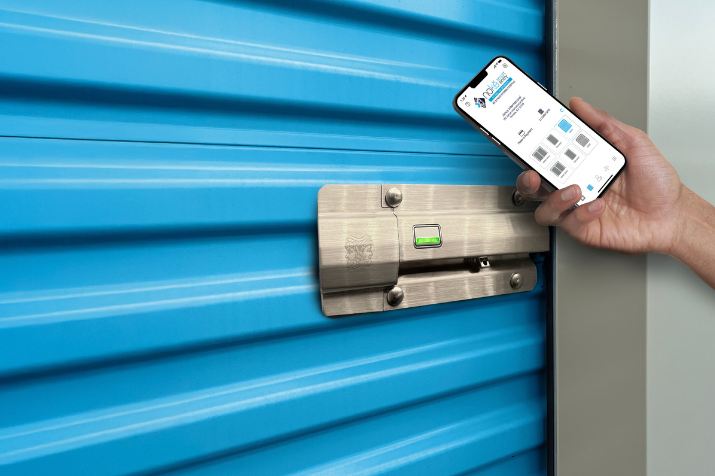
Homepage visitors decide in a few seconds whether your property is different from the three others they have open. Put the smart entry message above the fold, in the tenant's words. My Storage Ark in Tomball, Texas, leads its homepage with "Smart Units, High-Tech Security, And Exceptional Service" and puts "Access & Monitor From Your Phone" directly under the headline. It also shows the lock itself, so tenants know this is a different kind of unit.
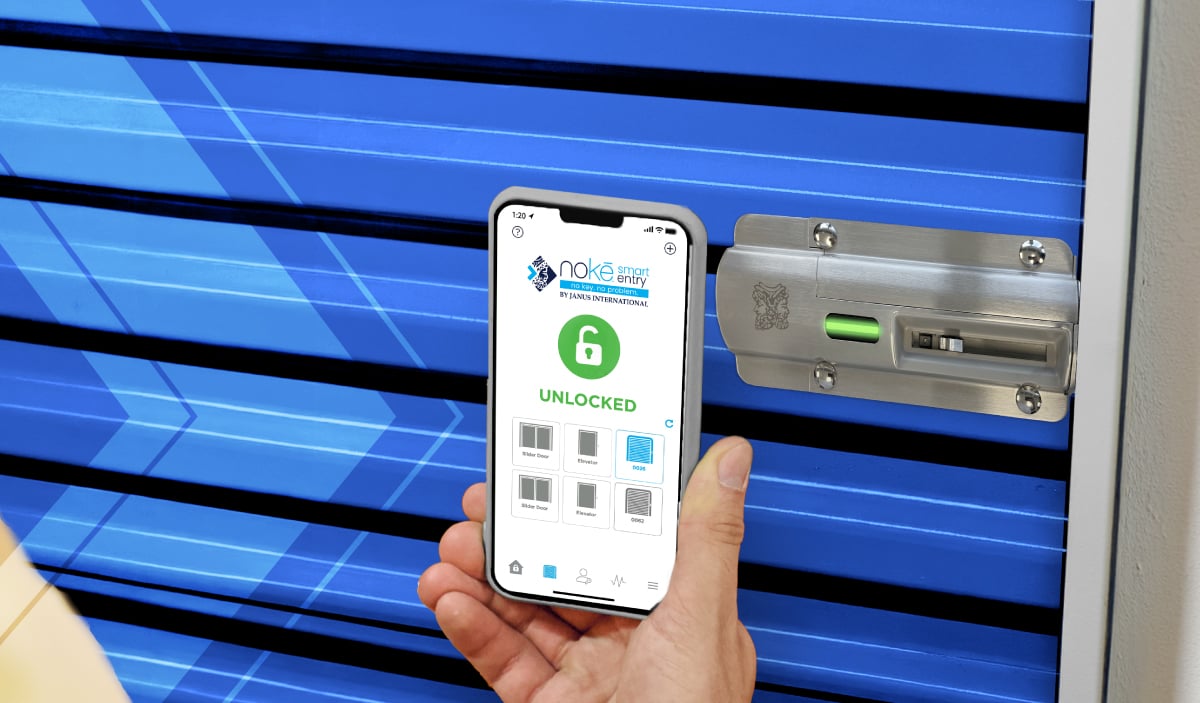
The message has two halves and both belong on the page. Convenience is the phone: open the gate and the unit from one app, with no code to remember and no key to lose. Security is the lock: it sits on every unit, records each time the unit is opened, and lets the tenant take back a shared key at any time.
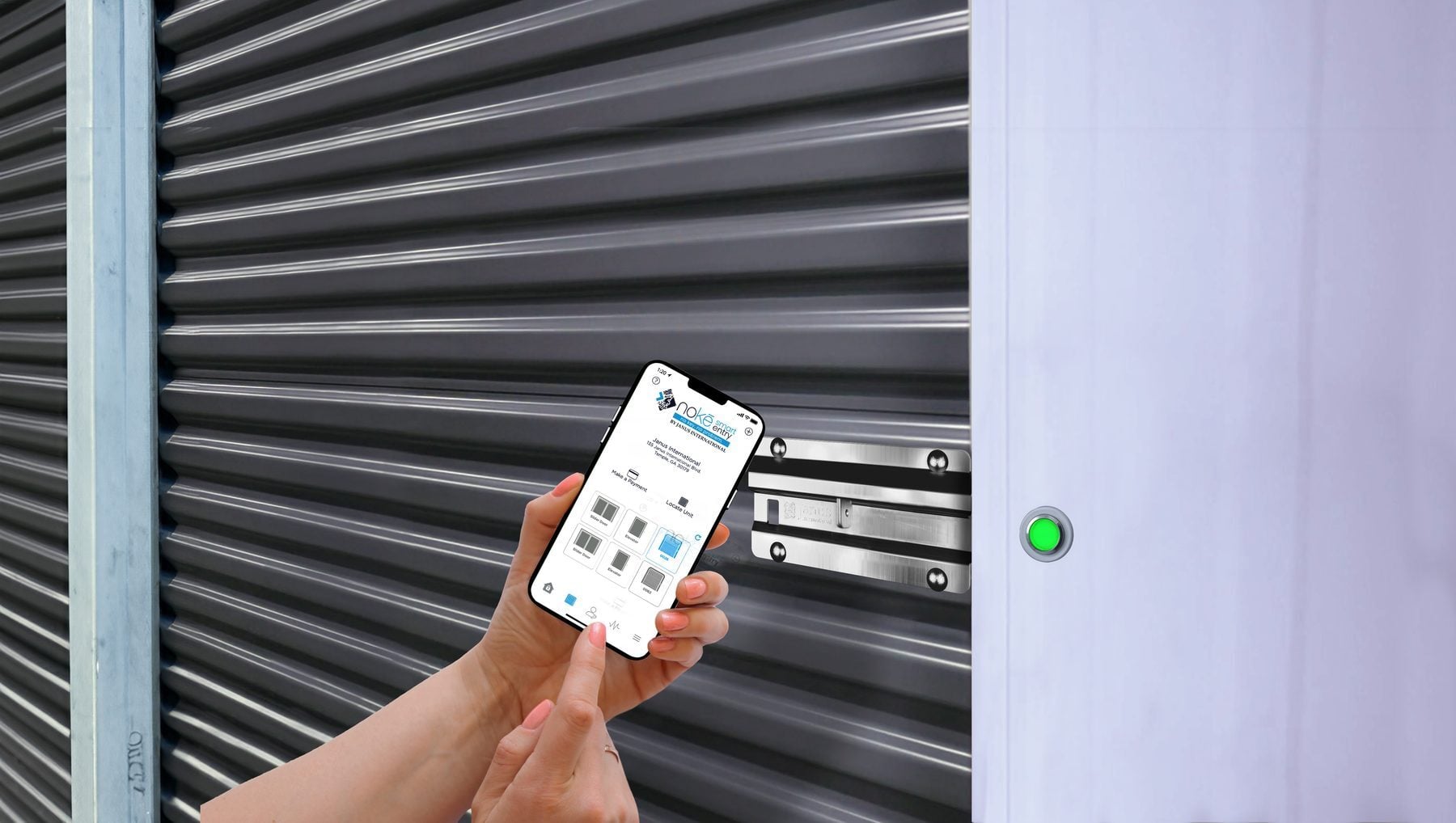
A homepage line earns the click. A dedicated page earns the rental and answers the questions your manager would otherwise take by phone. Guardian Storage has a Nokē Smart Entry page that explains phone entry, digital key sharing and security in plain language, embeds a short video and links to the app.
A smart entry page needs four things: what the tenant gets, a video of someone opening a unit, where to download your app, and how to get help. Link it from the homepage, from every unit listing that carries the smart unit label, and from the QR codes on your signs. The same page then works for a shopper deciding whether to pay more and for a new tenant standing at the gate.
Many tenants never reach your homepage. They see your Google Business Profile, a listing site, or a map result with three properties side by side. Add smart units to your business description, upload photos of the locks and the app, and use the same unit names on listing sites that you use on your own website so the premium shows up wherever the price does.
Reviews do some of this work for you. Tenants who like opening the gate from the car tend to say so, and a review that mentions the app tells the next shopper more than a feature list. Ask for the review in the move-in message, while the first visit is fresh.
Signs reach three groups: people driving past, tenants in standard units who could move to a smart unit, and new tenants learning the app. Each needs a different sign.
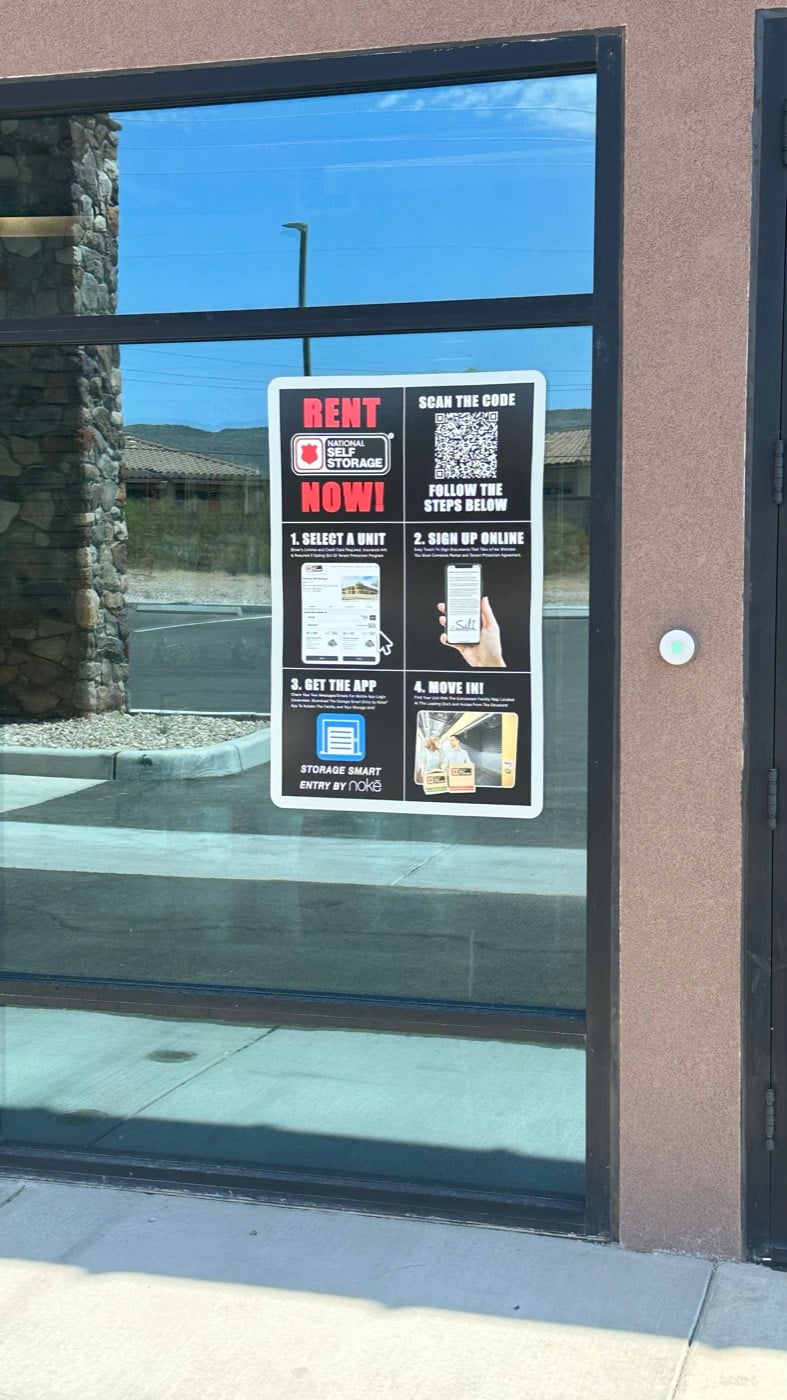
At the office door and the street, sell the rental. National Self Storage posts a four-step "Rent Now" sign on its office window: select a unit, sign up online, get the app, move in. Someone who arrives after hours can scan the code and be in a unit that night, which turns a closed office into a move-in.
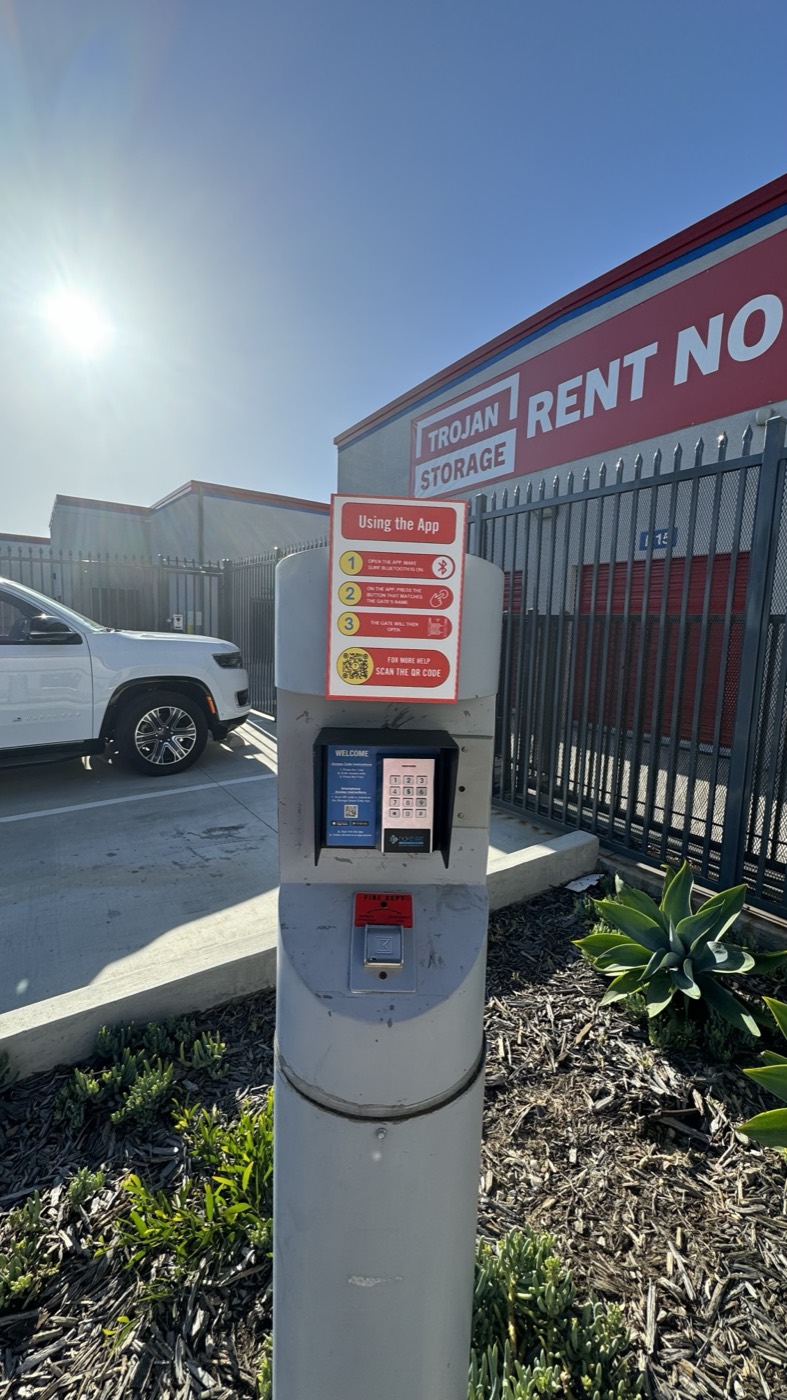
At the gate and in the hallways, help tenants use what they are paying for. Trojan Storage puts step-by-step app instructions on the keypad pedestal and a "Need help with Nokē Smart Entry? Scan me" sign at the counter, each with a QR code to its website. Fewer tenants get stuck, and fewer calls reach the office.
"A lot easier to compete in the market and to get those higher prices because of the access and the security."
Trojan Storage team, Nokē customer video
A tenant who can't get in on the first visit doesn't feel like they rented a premium unit. Send the app download steps in the move-in text and email, put a how-to page on your website, and repeat the steps where the tenant will be standing when they need them. The Nokē welcome kit covers the four things tenants ask about most: downloading the app and logging in, opening the unit, sharing a digital key, and settings.
This is also where the fee or premium gets defended month after month. A tenant who shares a key with a mover, checks the activity history after a trip, or opens the gate without rolling down the window in the rain is reminded what the smart unit does every time they visit.
We put the pieces in one place for Nokē customers: website copy you can paste into a homepage or unit listing, images of the current Nokē locks, tenant videos, sign examples from other operators, and answers to the questions tenants ask.
Everything you need to advertise your smart units, online and onsite.
Open the Nokē Site Advertising Toolkit